
P H I L I P S D E I S G N S Y S T E M ( 2 0 1 9 - P R E S E N T )
Modules and Templates
Module is a set of functionalities (and micro-experiences) that help a user accomplish a task within a touchpoint. For DLS, extend the Experience Architecture definition by saying that: module is an application piece, composed by two or more components, that allows the user to interact, consume and input information from/to other application areas.
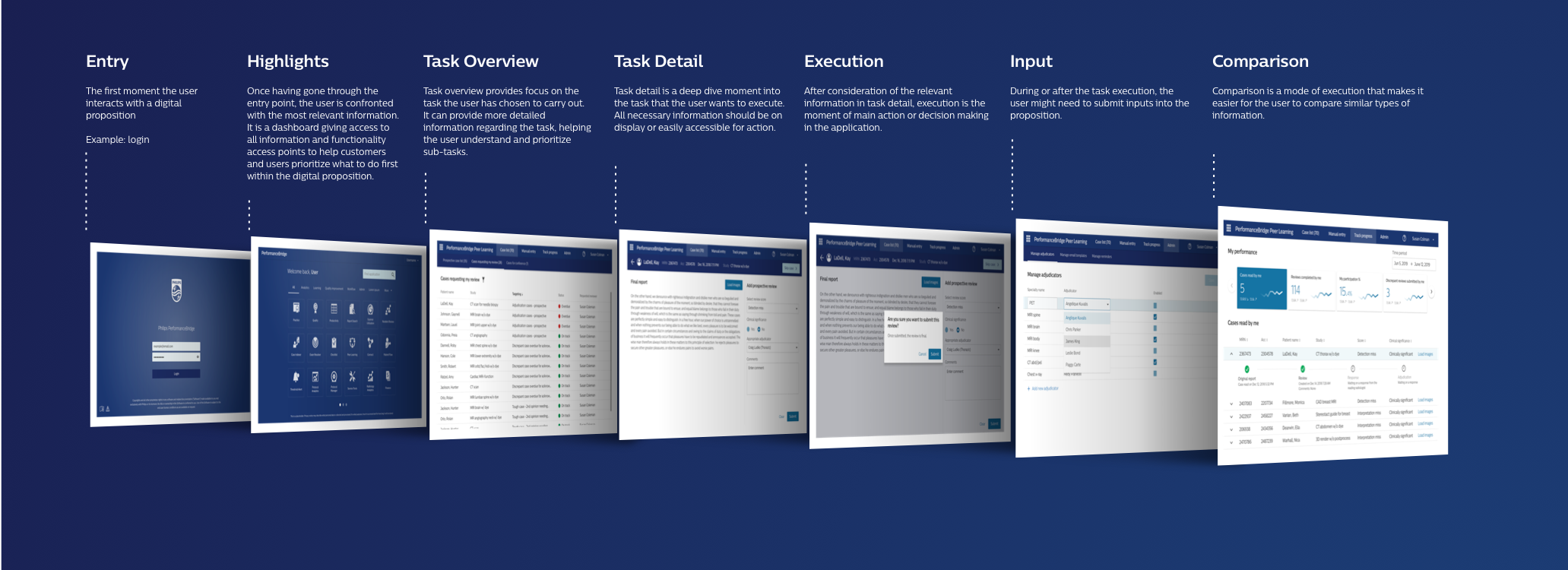
W H A T I S A M R A ?
Introduction
One of the most prominent Design System challenges is to ensure consistency and scalability. At Philips, we follow the Experience Architecture to harmonise all experience levels that our customers, consumers and patients interact with when interfacing with our propositions. We understand that a module is a set of functionalities (and micro-experiences) that help a user accomplish a task within a touchpoint. For dDLS, extend the Experience Architecture definition by saying that: module is an application piece, composed by two or more components, that allows the user to interact, consume and input information from/to other application areas.
In digital interfaces, modules are the combination of our design systems components, where most common task flows get addressed and becomes uniform across all use cases. While specifying a module, there could be multiple ways of addressing issues and/or solving problems, but the most important task is to maintain consistency.
By unifying and standardizing a specification, design and development begin to speak agnostically. With a closer connection, communication failures can be reduced, and most importantly, automation can be part of the work by lowering the granularity that multi-platform specifications have.

If modules come into the picture, a module specification needs to match a framework with different approaches based on the complexity, scalability, the task which is being addressed, and, most important: a clear understanding/visibility of the requirements. The module reference architecture is a proposal to standardize the way we specify modules, allowing specificities but working under a generalist and agnostic view.
Fundamentals
The Module Reference Architecture is based in four groups of information:
1. Summary
2. User needs and requirements
3. Anatomy
4. Configurations
M R A / F U N D A M E N T A L /
01. Summary
The main information about the module. It helps to search, find and understand the module before starting to work and/or go deeper in the details. A good summary is composed of:
Main Name - How the module is called. E.g., Patient List.
Other names - Additional names or name variations. E.g., Waiting List, Patients Overview.
Module Story - A module definition based on the user story format. A story of a module can be defined by the certain type of tasks needs to be achieved and what exactly is the user looking for with those tasks. E.g., As responsible for patient treatment, I would like to see the next patients in my appointments.
Tags - Up to five keywords to improve the module findability. E.g., patient list, next appointments, waiting list.
M R A / F U N D A M E N T A L /
02. User needs and requirements
The goals and minimum dependencies required to accomplish the task. They can be classified into eight different requirements:
User needs
A user need is an actionable problem statement that summarizes the need off the user and it explains why it is important to that user, it describes what you want to solve before you start generating possible solutions. In writing the user need; condense your perspective on the problem and provide a metric for success that can be used throughout design and development process.
Usability requirements
All rules and instructions that are necessary to ensure that the module is easy to use. E.g., All screens will have a help button. Each help button on a given screen must provide at least one 'topic' for each control on the screen.
Accessibility requirements
Any specific instruction related to applying accessibility guidelines. E.g., the About screen must adapt according to the application's background color for better contrast.
Dependencies
Other Modules
All mandatory modules that should work with the current module. E.g., The Login module requires the Forgot Password module.
Frameworks
It lists any necessary framework to run the module. E.g., In the Patient Dashboard, all the charts must use the D3.js library with DLS tokens.
System requirement
They describe what the software must do (as opposed to the effects in the user's world that this may or may not achieve). They are the responsibility of the technical system alone (without the socio context). E.g., the system requirement is to present in chronological order all the appointments related to the logged user.
Data & Privacy requirements
Any specific instruction related to storing, treating and managing data. E.g., It's mandatory a valid certificate to connect to the API. All the data should be encrypted via public key.
Localisation requirements
The copyright shall follow the specific characters and requirements that meets with regulatory aspects for each country. E.g., Due to the fact of the Japanese language be composed of more than one alphabet (plus the use of Romaji (Latin characters)), there’s a need to use the tooltip as a resource to indicate the correct reading/pronunciation of the same name. ISO 13485 Wording
External connections requirements
Input
Any external information and actions that applicable before starting the module. E.g: The patient list can be called by any logged user, at any UX moment, using the shortcut Alt+Shift+P.
Output
All actions and data that the module sends to the application. E.g., By selecting a patient, the patient ID must be sent to the module Patient Details.
Business requirements
Any business-related information which is required for the module. E.g., For Tasy, the patient data needs to come from the Patient registration functionality through the internal API.
Architecture requirements
Operating systems If applicable, the specific instructions about how the module should behave to the system software. E.g., On iOS, a FaceID login is required after 5 minutes of inactivity.
Screen sizes
All the screen sizes covered by the module specification. If responsive, the breakpoints must be informed. E.g., Maximum width: 1920px.
Supported devices
If applicable, the list of all mandatory devices to validate the module. E.g., The patient list should work in desktop computers, laptops and tablets. For notifications, the sound volume must be audible.
Brand requirements
The system shall follow the Philip's brand guidelines required for the module. E.g., About screen should ALWAYS present: Philips Shield and Philips application name.
M R A / F U N D A M E N T A L /
03. Anatomy
Anatomy is related to the structure of the module, how it's inserted and fits the application. It's when we start to define the main areas, the relations with the navigational model, the grid system and what are the acceptable components in the module. A module should never refer to style and interactions in the component level. If a component needs adjustments to the module, that must be fixed in the component specification, not in the module. That's how we ensure that our components match different scenarios.
M R A / F U N D A M E N T A L / 0 3. A N A T O M Y /
Primary anatomy
It presents the main logics to structure the module and common patterns to all the module moments. Primary anatomy can also be called as the skeleton of the module as it comprises the navigation and area where the content is defined. There can't be a single kind of primary anatomy as it is more contextual with respect to the module story and use case. The Primary anatomy is divided into three parts - Navigation Model, Main Navigation and Content areas.

Main navigation
Main navigation consists of the navigation structure used by the application where the model is inserted. It's necessary to inform one of the following options:
Top Navigation, Bottom Navigation, Non-applicable (for cases where the main navigation is not necessary)
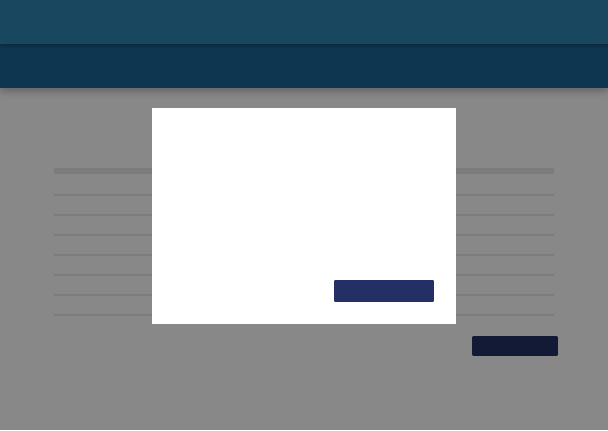
Navigation model
It consists of informing which dDLS navigation model is used by the module. The current options are:
Single Task, Parallel Task, Hierarchical Task & Sequential Task
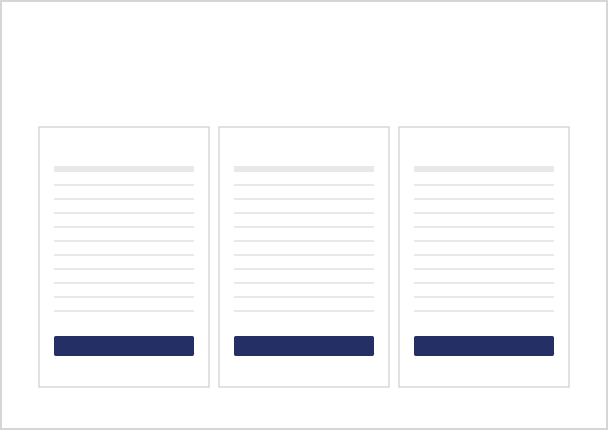
Content area
The content area is the place where components will be inserted. It's possible to categorize and name each area according to the module goals, each module will have his own content areas.
M R A / F U N D A M E N T A L / 0 3. A N A T O M Y /
Content anatomy
It's composed by the content architecture - where we inform the grid system applied for each breakpoint and the allowed components for each content area.
Content Components
A list of the components allowed for each area, following a visual representation to contextualize how the components will treat data. This is the only moment where we will present visuals for the module, showing the module representation and the necessary interactions
Content Architecture
The grid system used to structure the content, it can be one of the following options:
12 columns, 6-6 columns, 4-8 columns, 8-4 columns, 3-9 columns, 9-3 columns, 4-4-4 columns, 3-3-6 columns, 3-6-3 columns, 3-3-3-3 columns
Important: The module should never specify components, it should inform how the components are distributed to reach the module goals.
M R A / F U N D A M E N T A L /
04. Configurations
Configurations are how we specify module variations. It's impossible to specify a module agnostically, without taking into consideration the specificities for different scenarios. A specific approach, changing the way that the module works, should never be an excuse to not follow the reference. Configurations exist to extend the way that the module works and cover all the different scenarios, keeping consistency and clarity to the entire community about the whys on each change. It also allows us to reuse and extend the specifics in a collaborative approach. We apply a configuration always connecting a requirement to a change in the anatomy.
Connecting any variation to a requirement, we group the variations, we present them in a logical way and we can start to identify patterns to improve all our modules in a holistic approach. It also helps us to ensure patient safety, identifying the most relevant requirements for each area (check our list of requirements).
Besides informing the requirement change, any configuration should present the anatomy impacts in a visual format.
Implementations
There are in total 15+ modules has been identified across various business within Philips to build harmonised experience. Out of those few are added below for reference.
Client
Philips internal businesses
Impact
Saved efforts of developers and design
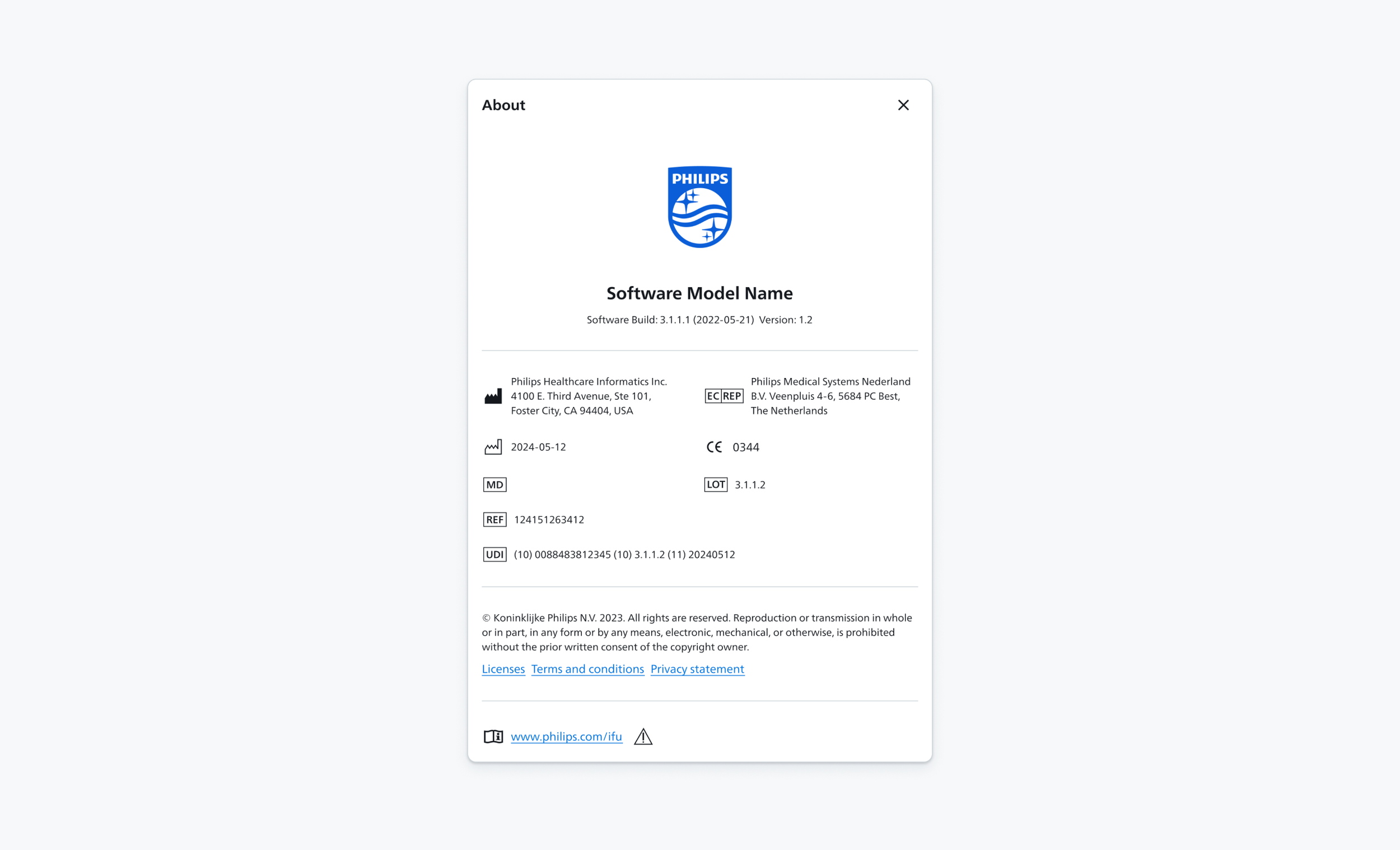
The about screen is the 'product label' of our software and carries all the information needed to identify the product including application name, version, regulatory information, legal and privacy information and terms and conditions etc.
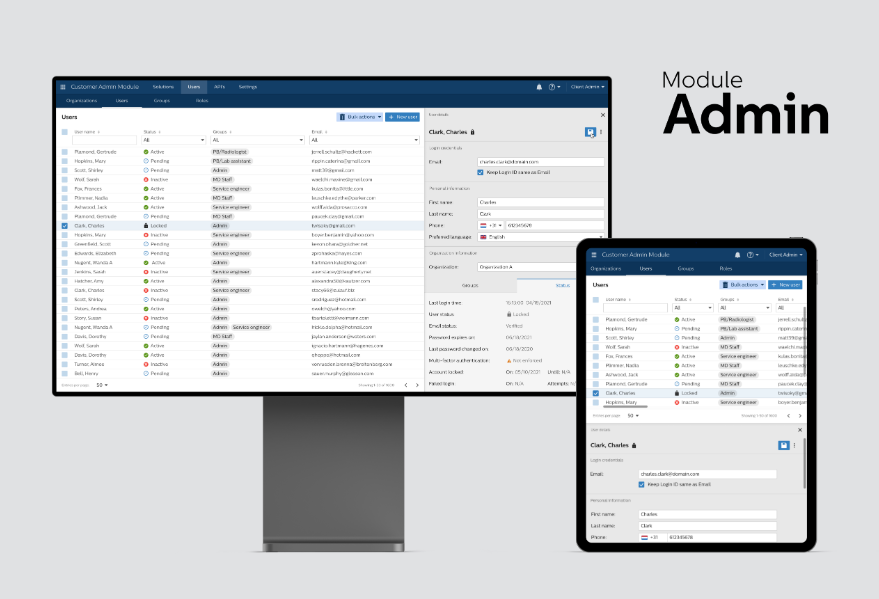
The admin module enables Philips field service engineers to manage customer organisations. Administrators can manage details of their organisations like groups, roles, organisations and users.
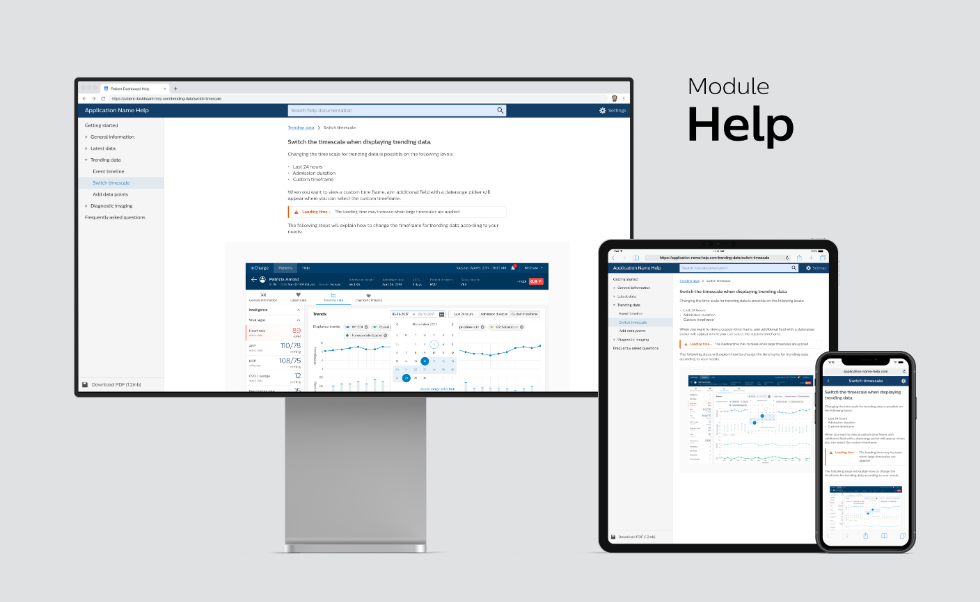
The help module allows (clinical) users to find relevant information about the application like Getting started documents, instructions for use, terms and conditions and many more.
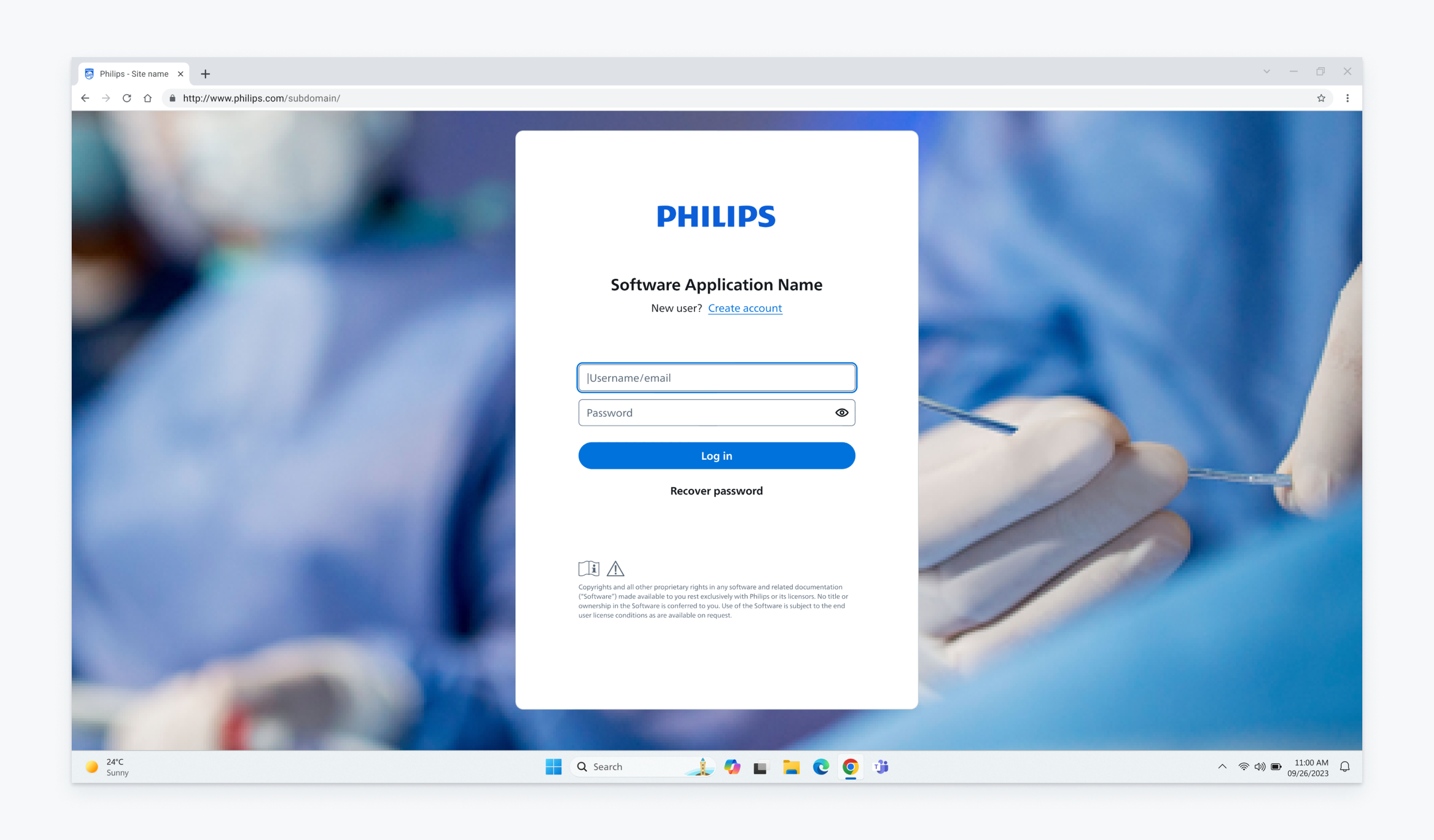
The login is a module ensures that only users with correct authorisation get access to our products.