
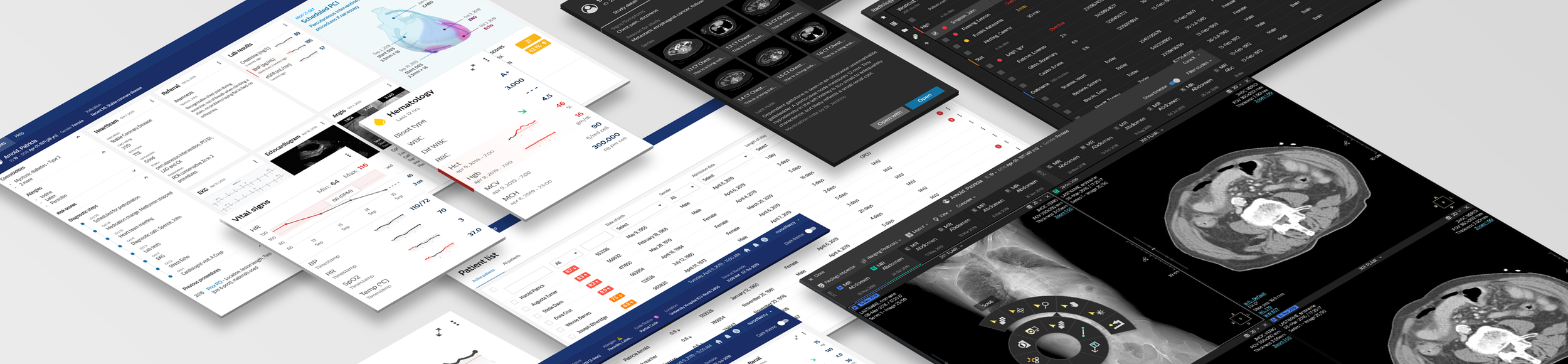
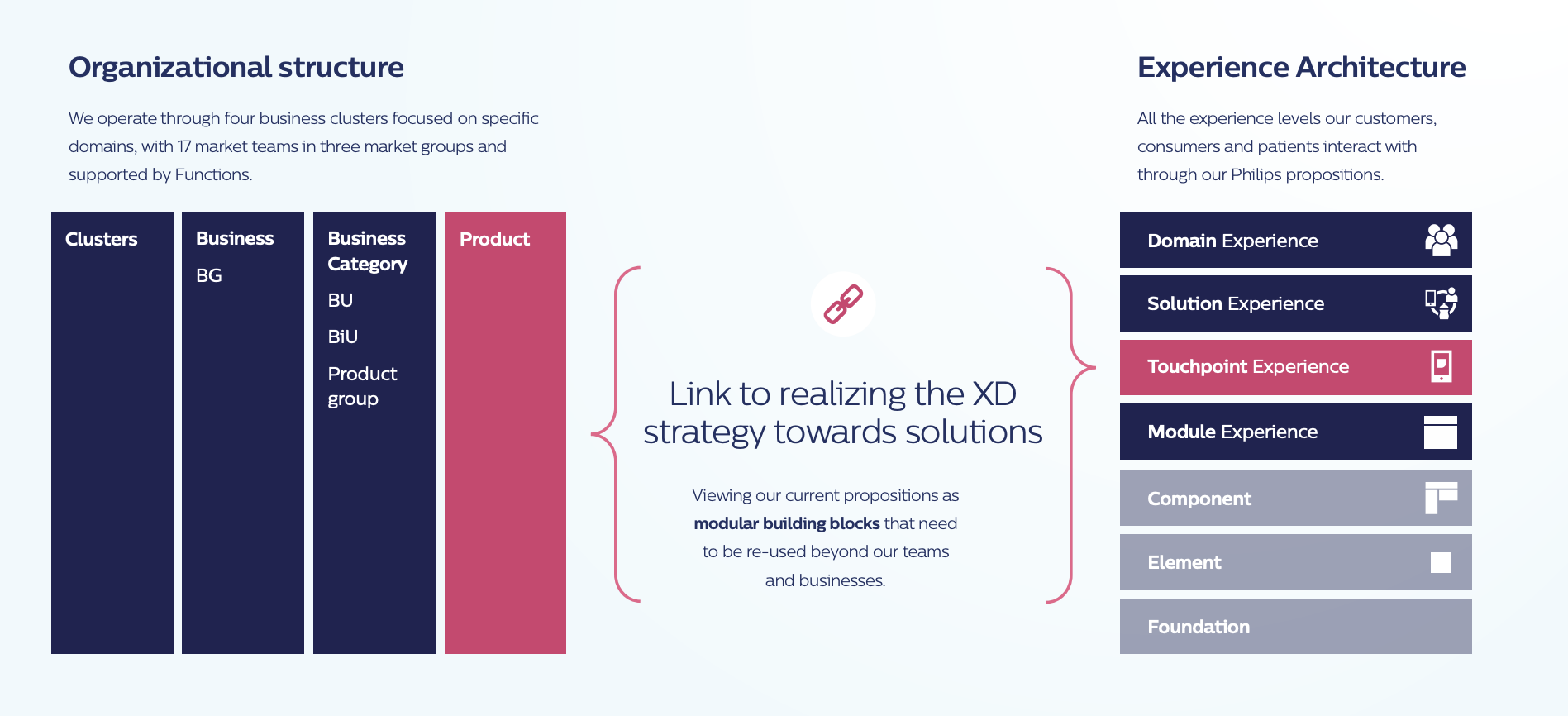
Philips Design strategy - Design for modular and configurable solutions - states that we need to view our current propositions (and everything we produce) as modular building blocks that need to be re-used beyond our teams and businesses.
The Experience Architecture depicts four layers of experience that our customers, patients and users interact with when using our propositions. Building blocks are nested along the Experience Architecture, with the elements at higher levels being built out of elements at the lower levels. It is, thus, a catalogue of our building blocks (and supporting documentation) that needs to be used to design configurable solutions.
25%
Reduced cost of UI
100%
Brand complaint
Role and Responsibilities
Project Outcome
The Objective
Challenges
W3C
Better accessibility
2x
Faster time to market
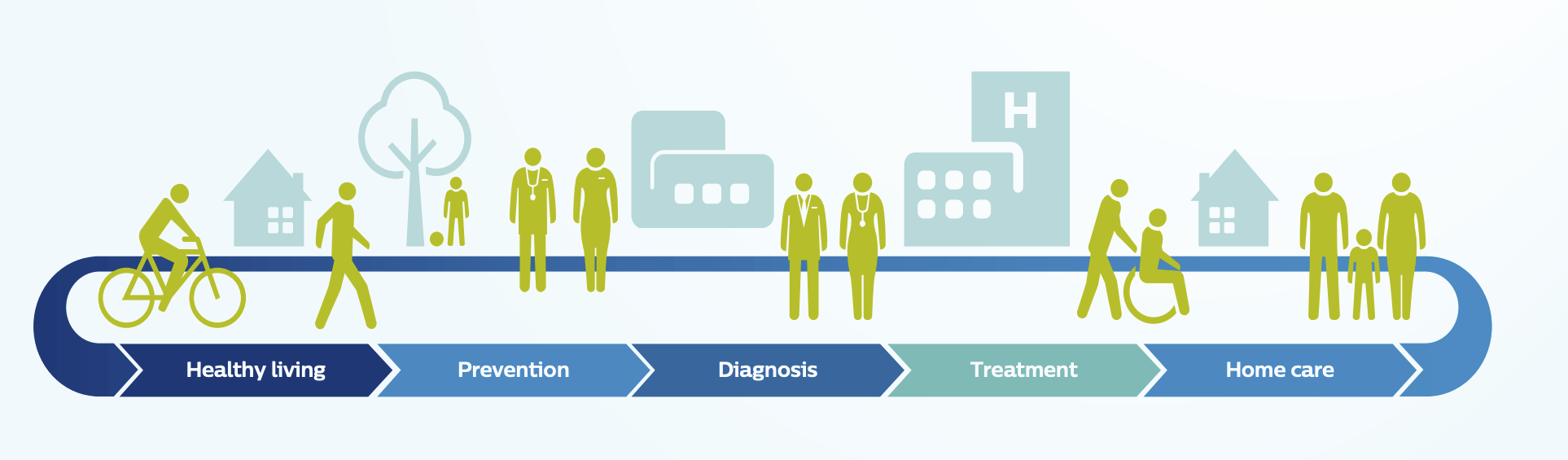
The objective is to redefine the fragmented experience and create One Philips experience while scaling the design and development process. It comprises of harmonised design language consisting of guidelines, assets, tool and way of working. It ensures that Philips solution interoperate meaningfully across the health continuum with similar design standards and quality.
Core problem: Multiple design libraries used across 368 applications and touch points leads to overheads and eventually a fragmented UX for Philips customers.
Solution challenges: Designing harmonised experience across clusters requires both scalability and configurability. Creation of 19+ modules & patterns, 75+ UI components and usability findings from different business segments needs detailed investigations, information gathering & collaboration with multiple stakeholders and well articulated design proposals.
Lead work-streams within DLS program both from process & content side.
Define scalable design solutions, guidelines, frameworks and patterns.
Create & approve design proposals, align & get sign off from business cluster leads via CCB sessions (Cross Cluster Board).
Investigate user requirements and usability findings while approving guidelines.
Providing solutions for conflicting scenarios, new use cases & usability feedbacks.
Evaluate design implementation using adoption score matrix.
Engaging with Philips design community through dialogues, trainings and updates.
Processes & WoW improvements with DLS program work streams.
High quality building blocks, templates, frameworks & modules.
Scalable UI toolkits with guidelines documentation.
Higher adoption score across Philips businesses.
For Clinical Applications
The new user experience not only looks & feels genuinely integrated with other Philips products, but also improves usability and efficiency for our clinical users.
Product Marketing Lead, Radiology Solutions
For Consumer Application
We can save 20-30% effort in UI/UX development.
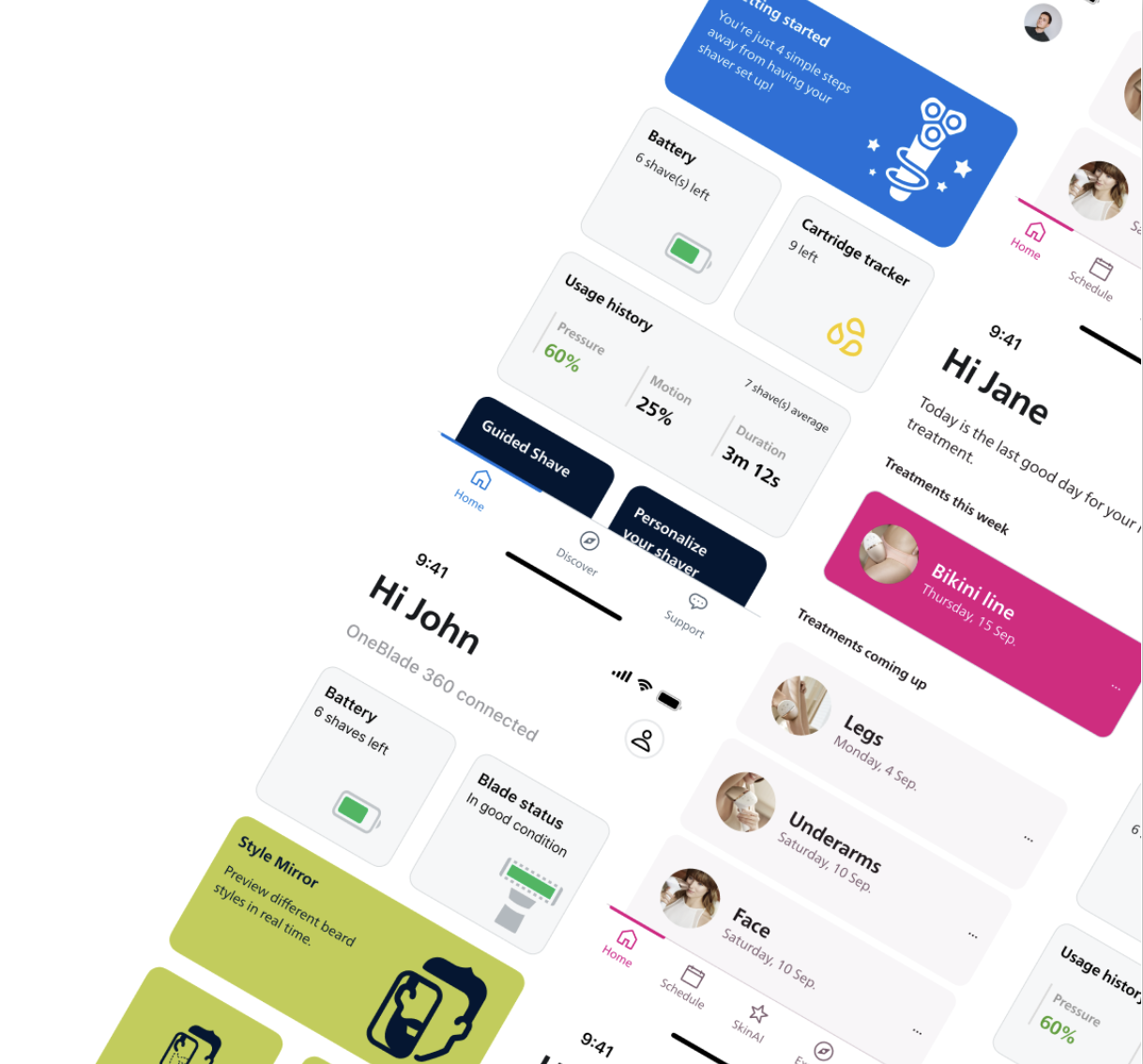
Software Technologist, Grooming & Beauty
DLS Offerings
Design system offers robust toolkits in Figma and Sketch, ensuring seamless integration into business workflow. Alongside these, it provides extensive component guidelines, best practices, community articles, and templates to support and inspire creative endeavours. For developers, DLS includes development toolkits in SwiftUI, React, Jetpack Compose, and WPF, enabling businesses to build consistent and high-quality user interfaces across various platforms.
Understanding the importance of smooth adoption, DLS also facilitate help and support sessions tailored to meet the specific needs of the business. Whether they are just starting with a design language system (DLS) or looking to refine and optimize the current setup. With DLS we embrace a unified approach to design and development with our all-encompassing design system.
Toolkits for designers
Toolkits for developers
Other Platforms
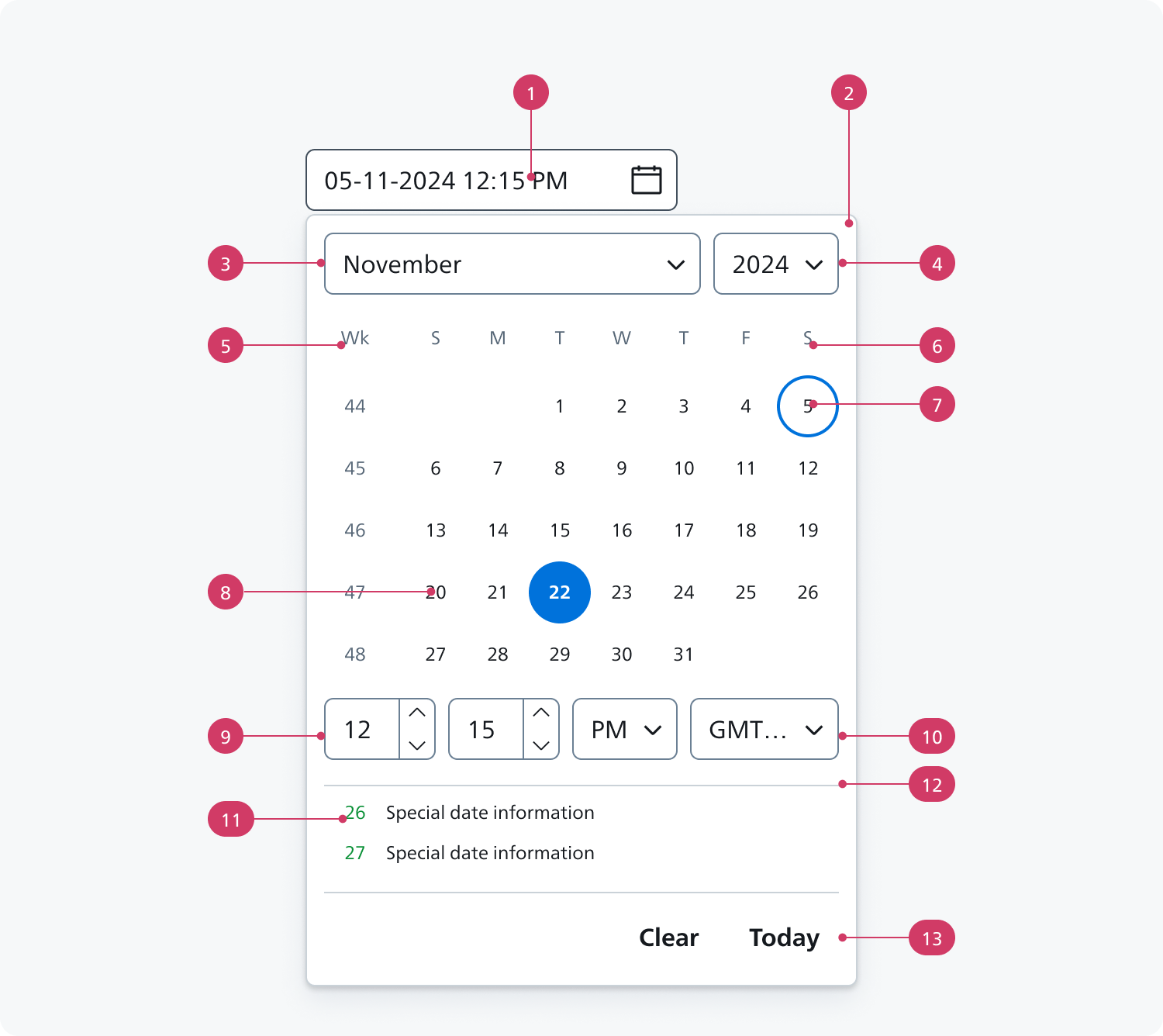
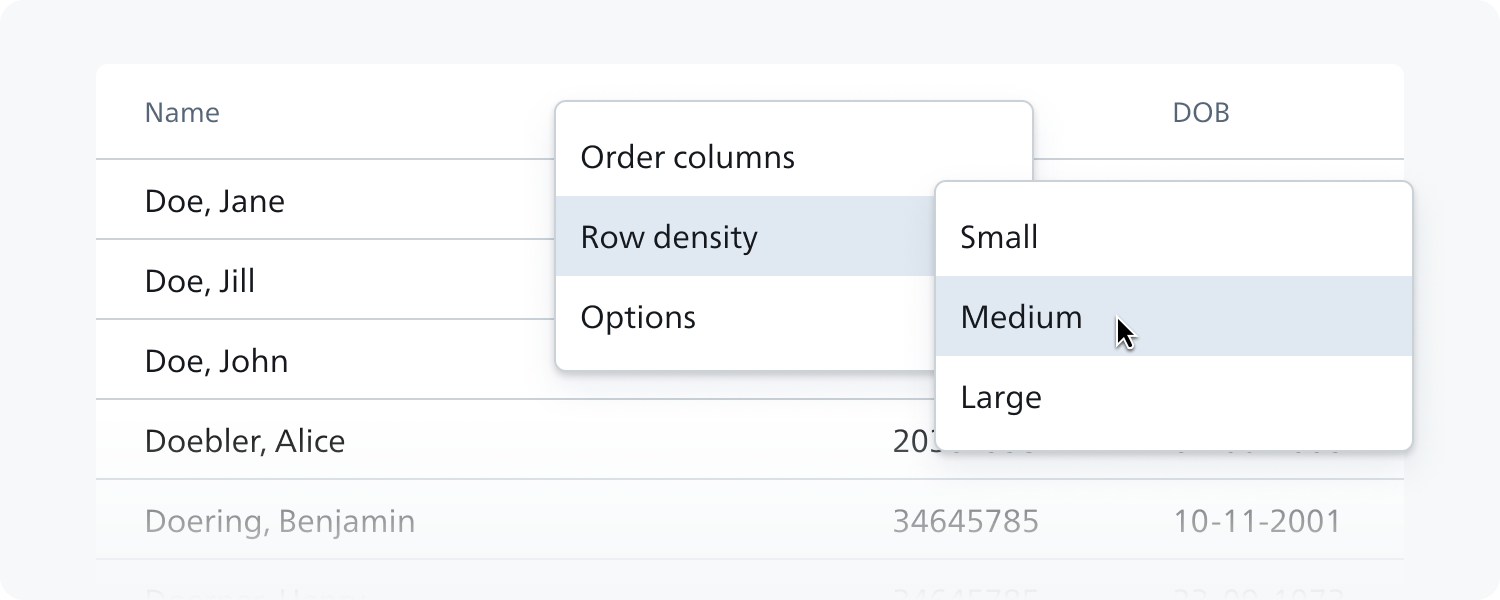
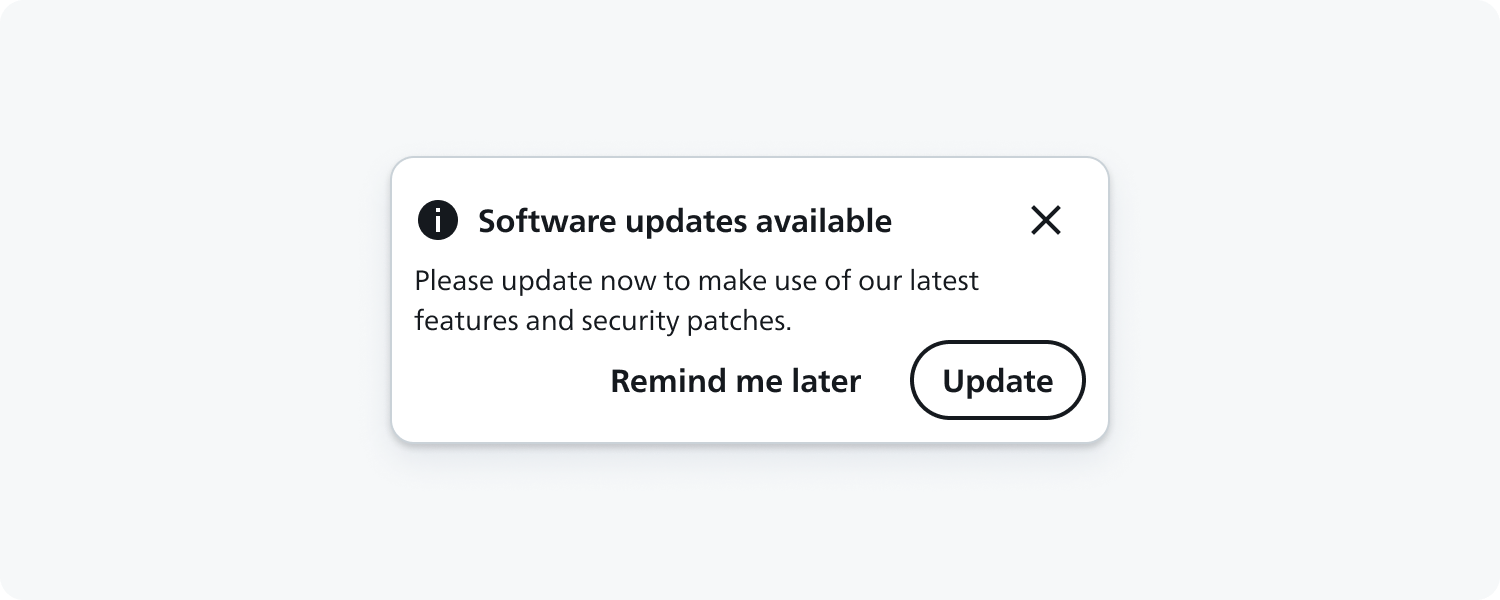
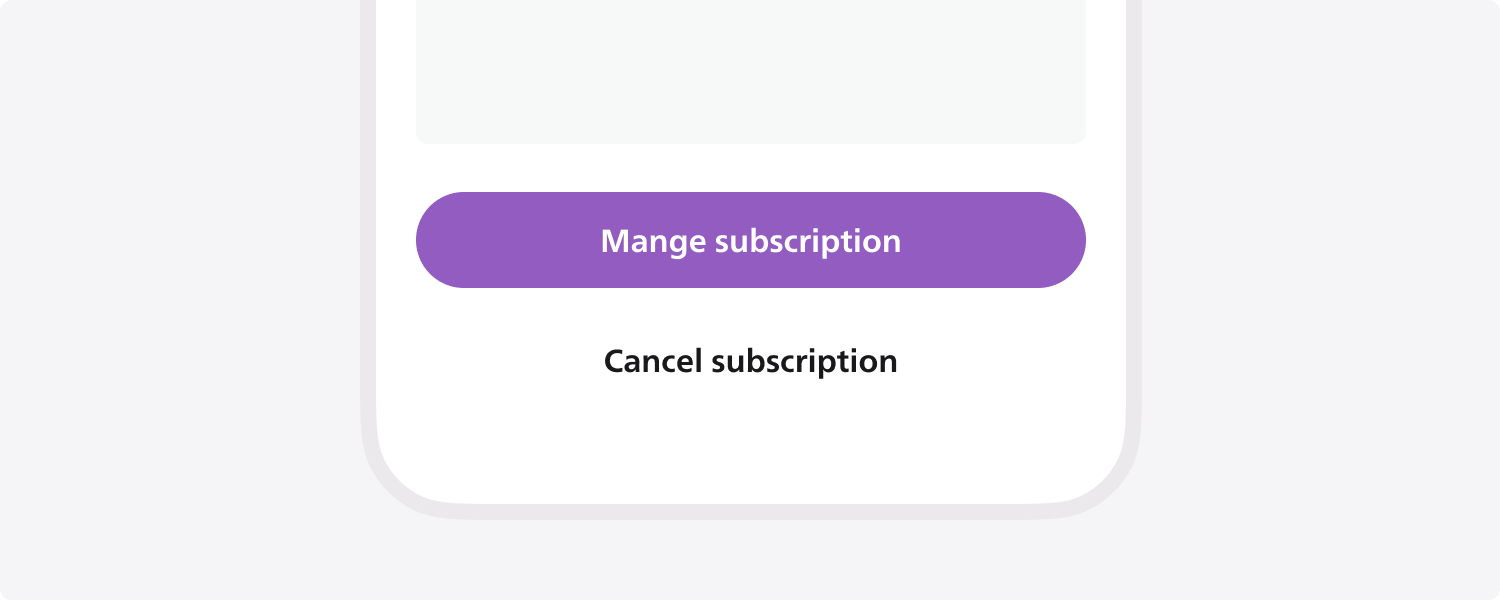
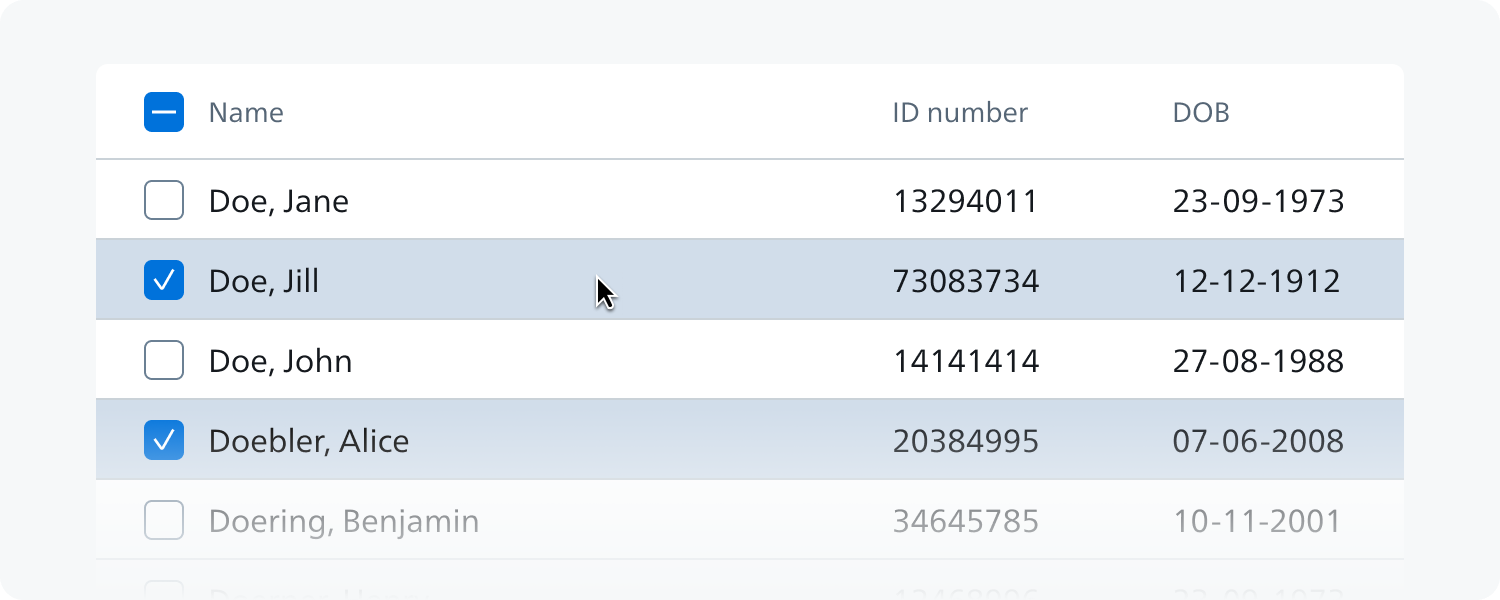
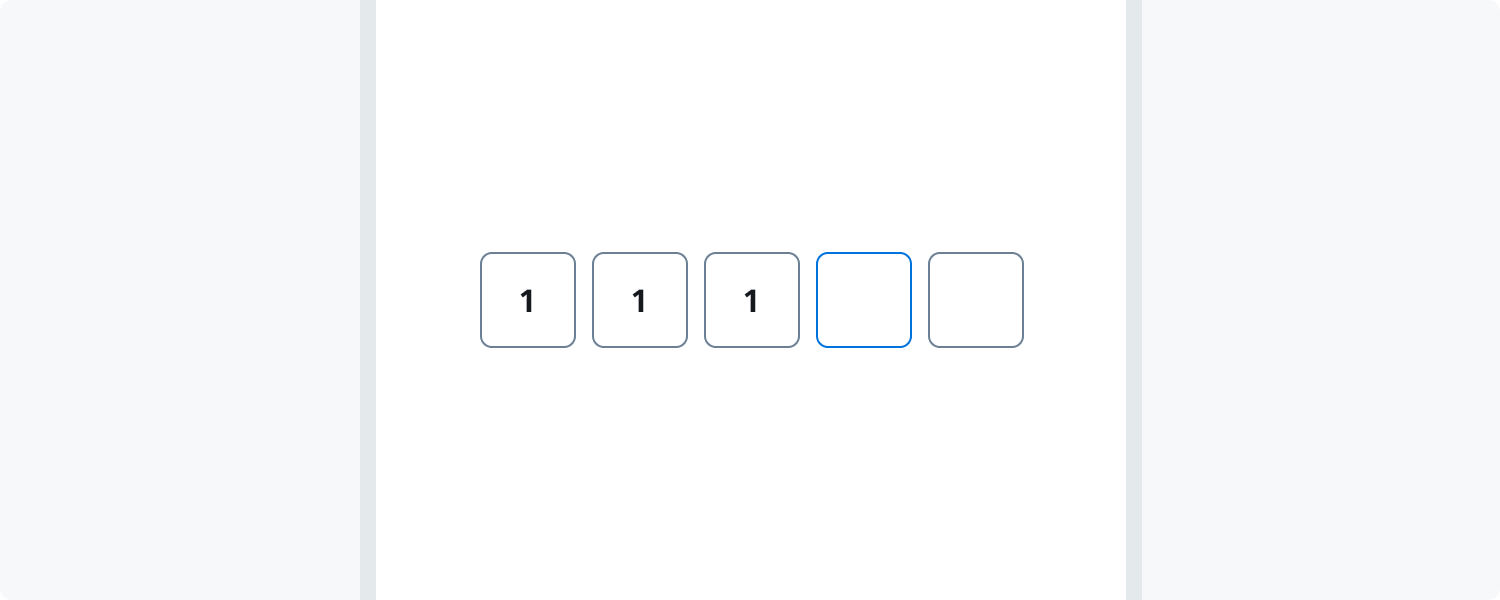
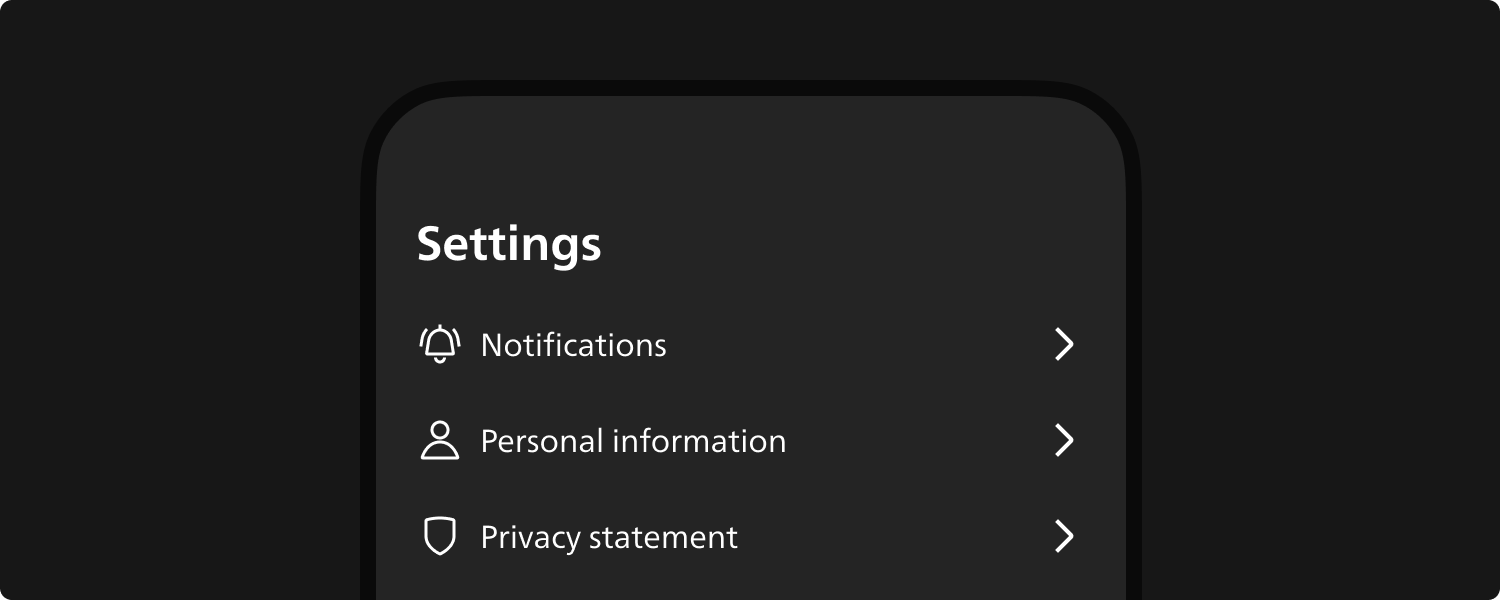
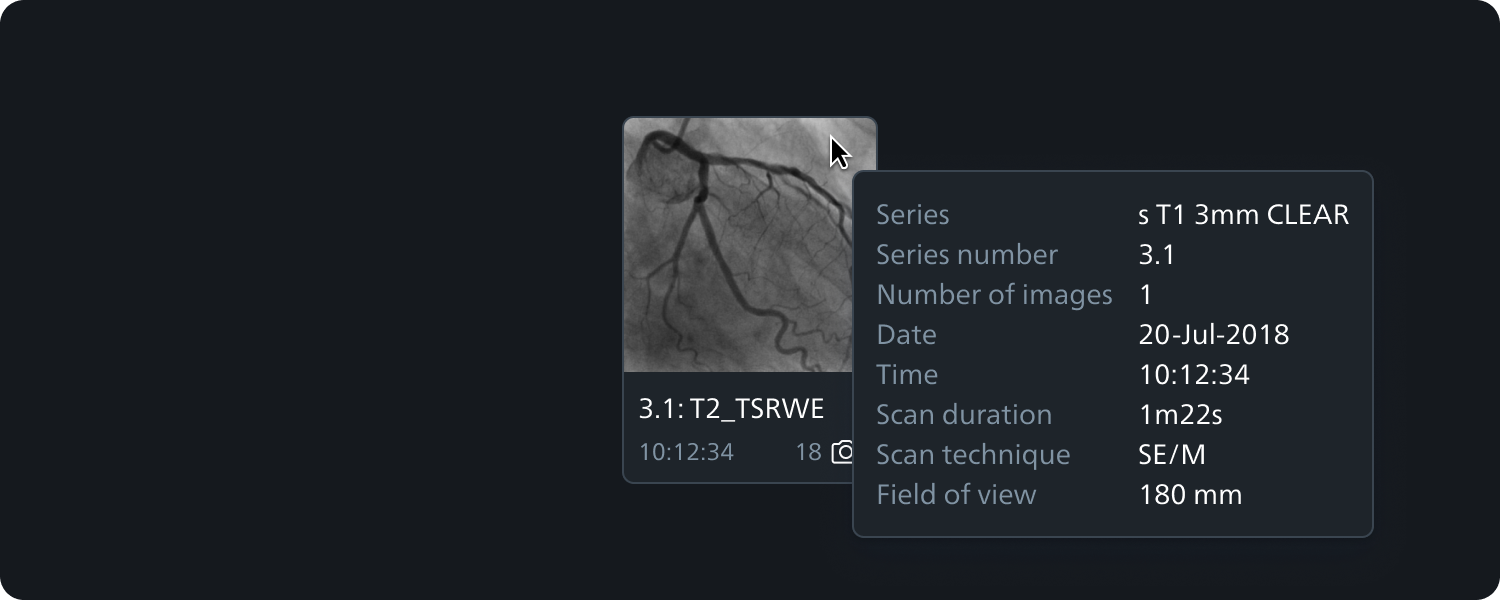
Components
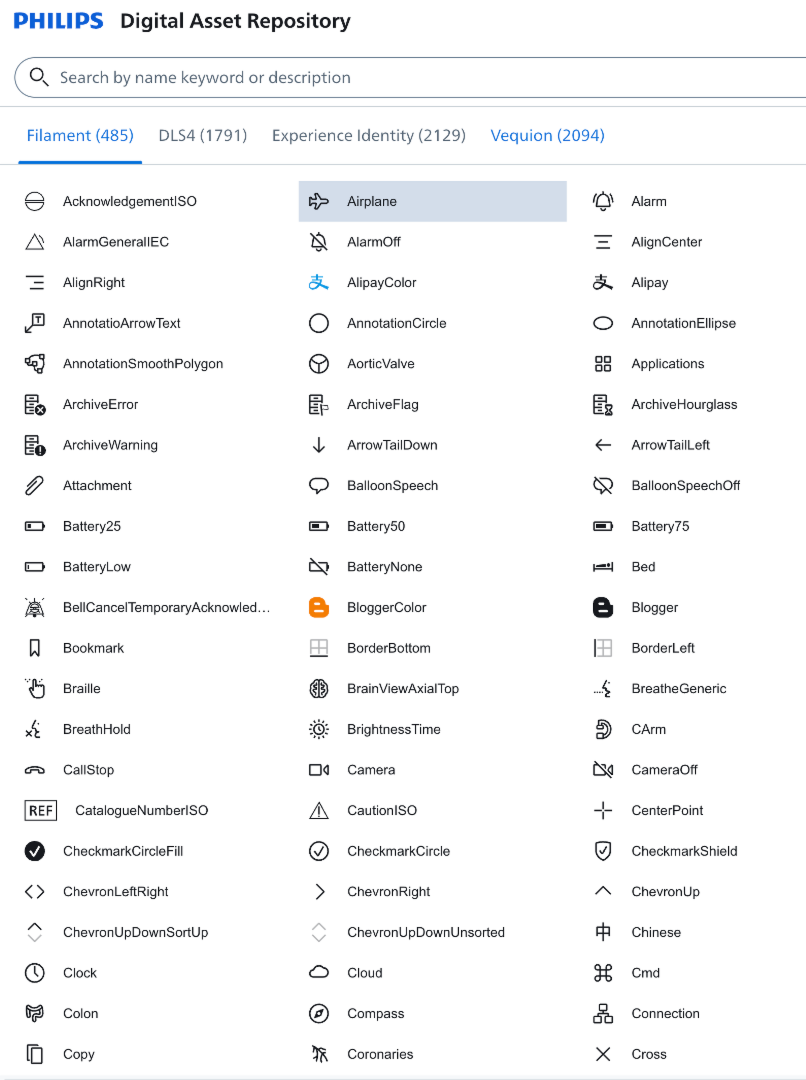
There are in total 70+ components which are being used by 5000+ designers across 3000+ businesses within Philips
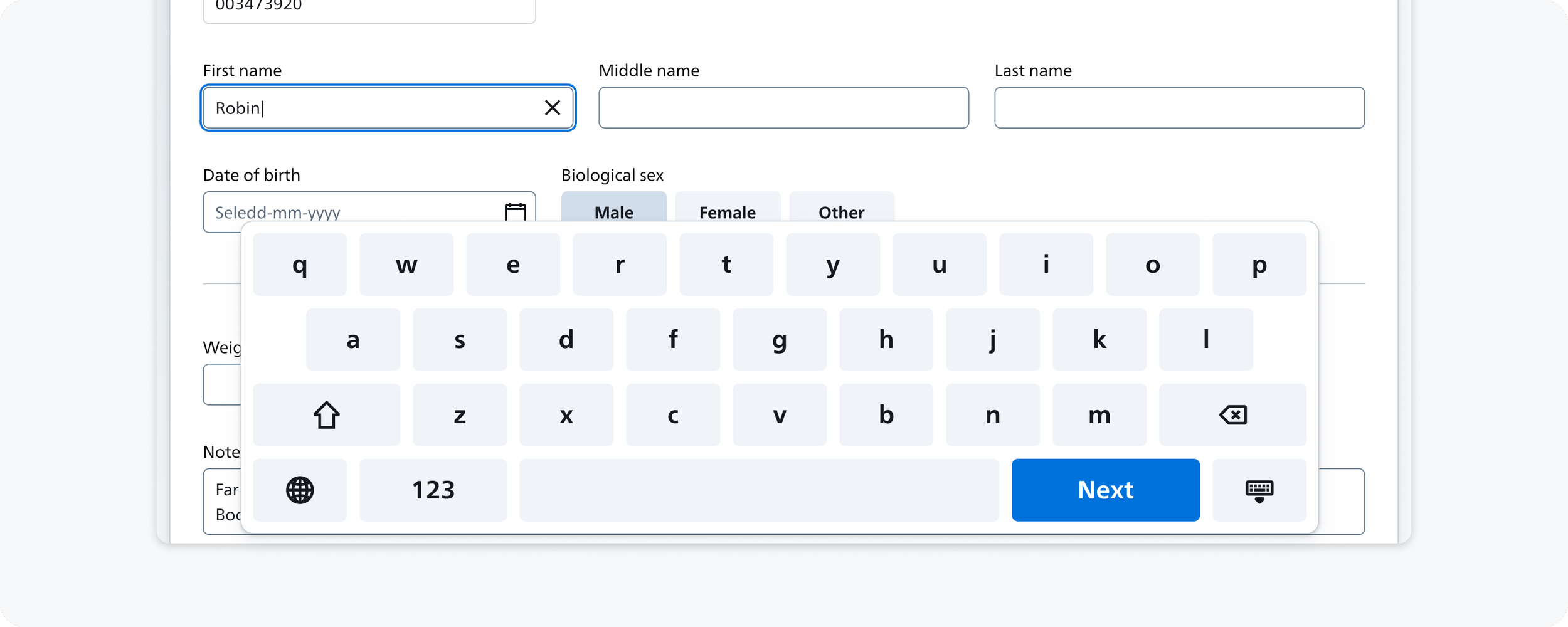
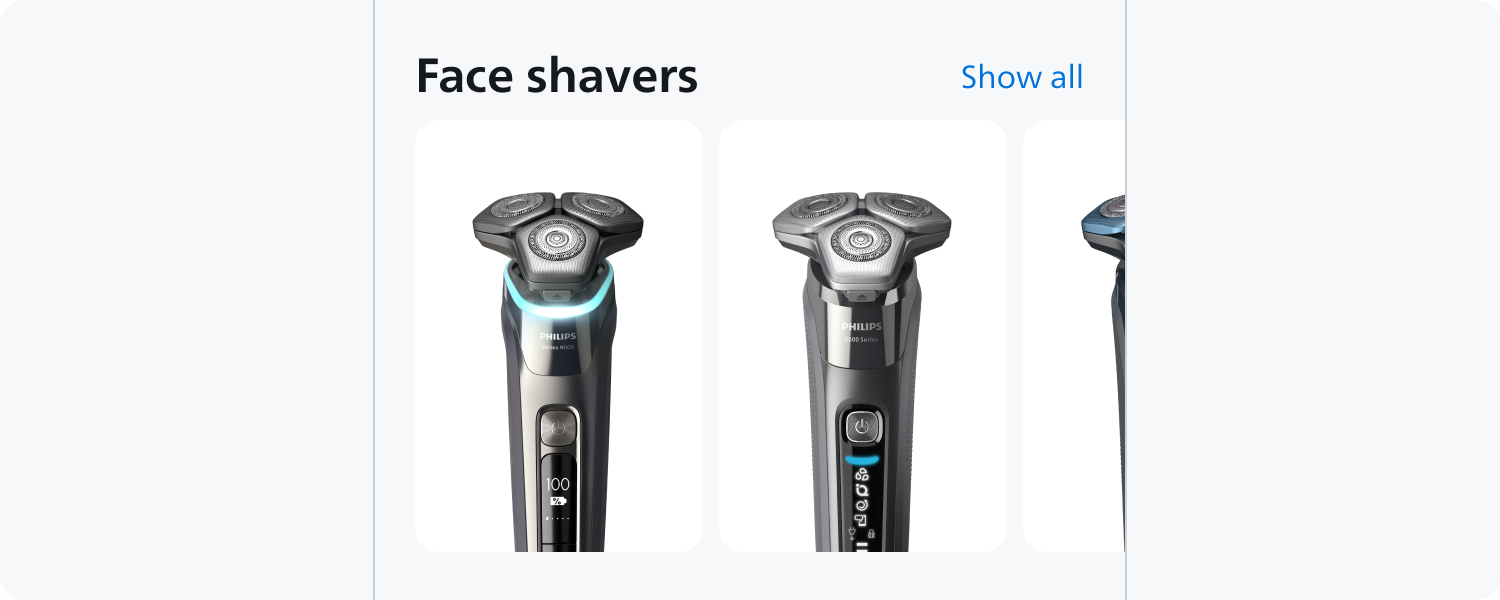
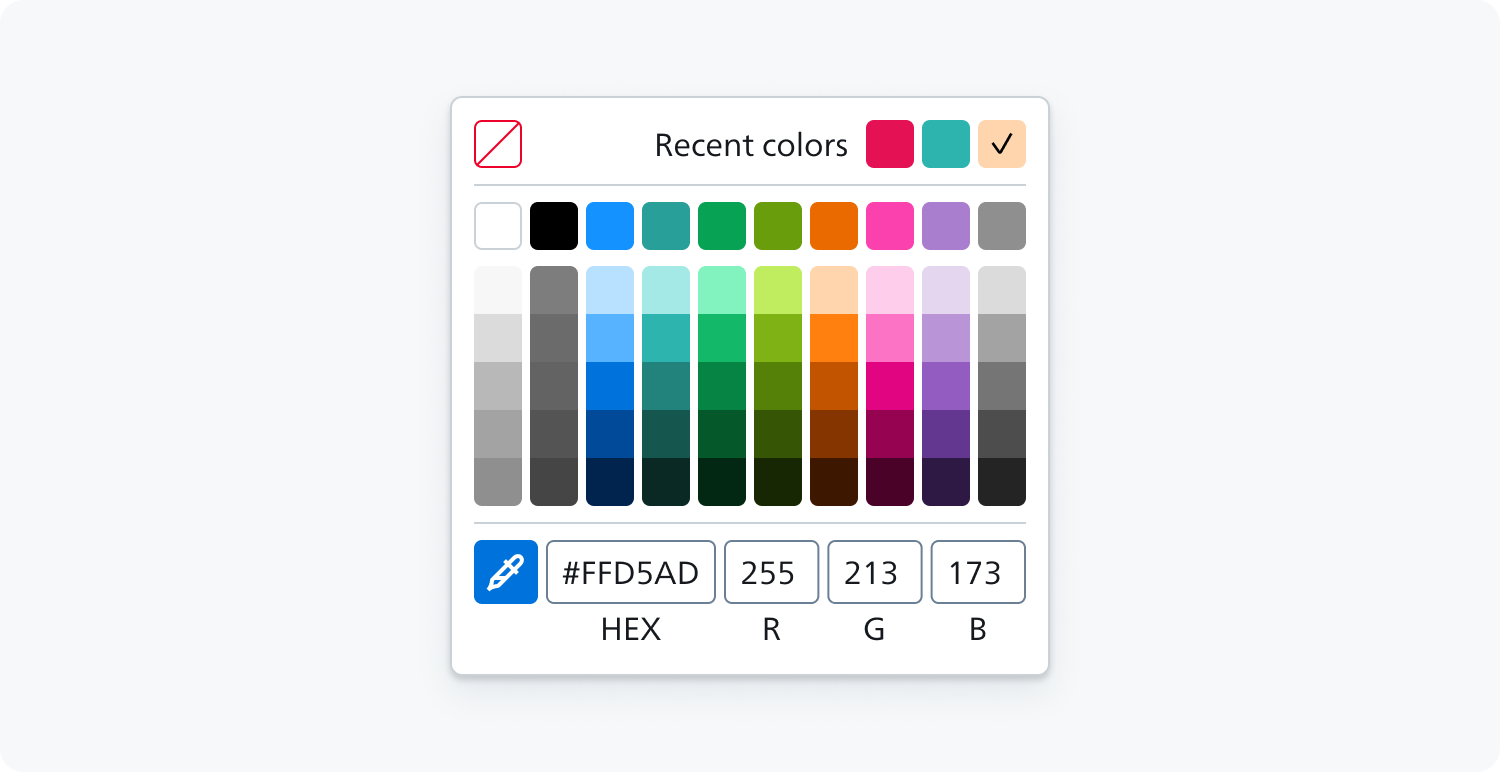
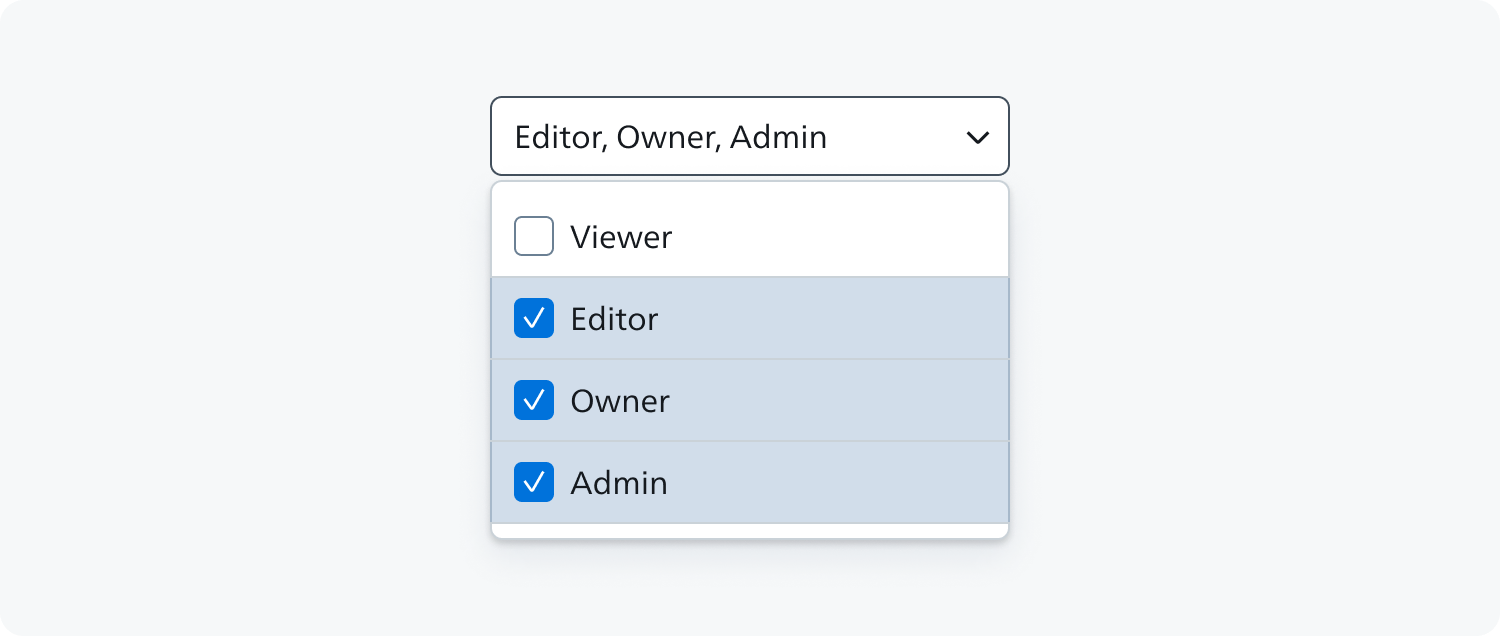
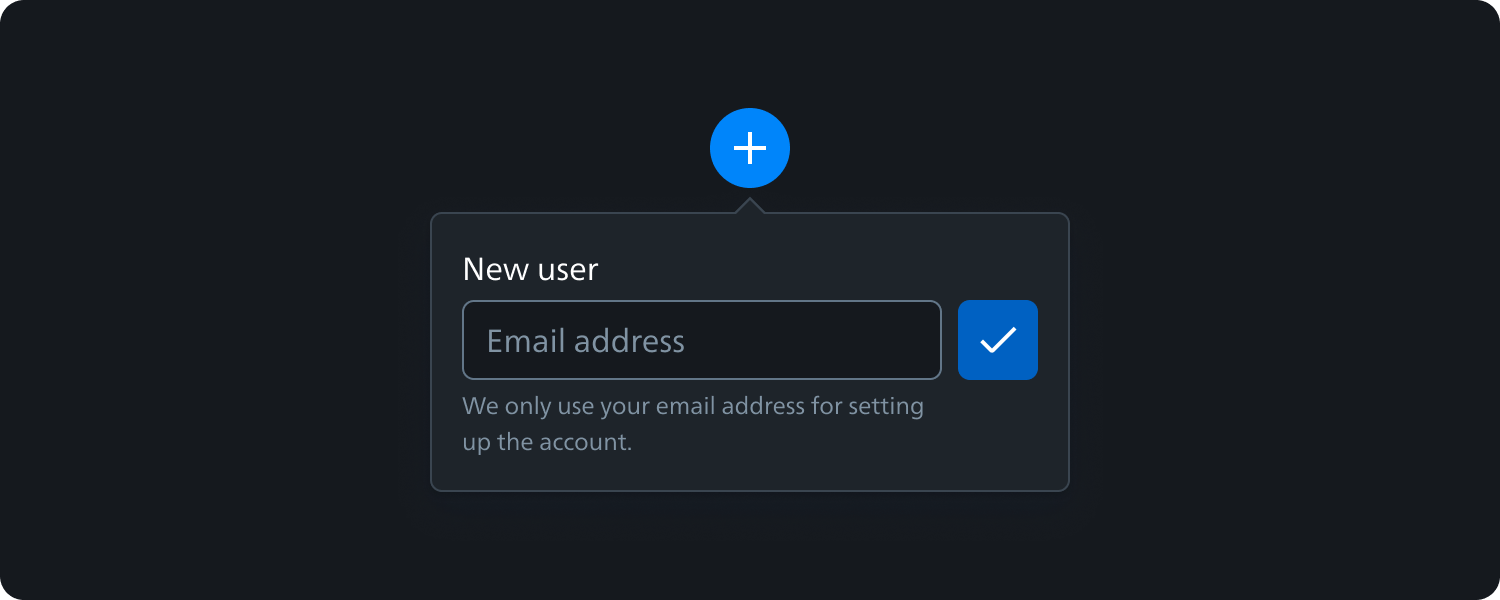
Modules and Templates
Modules are key stages in the user flow of a digital proposition. They are recognisable UX moments that enable a consistent experience anchored on seven stages of interaction and information for the user - Login, Highlights, Task Overview, Task Detail, Execution Input and Comparison. As we enrich and consolidate our existing set of digital design building blocks, we are beginning to collect and identify patterns at the level of Module and Flow in the Experience Architecture.
The Digital Audit tools support the mapping of these patterns onto their appropriate Module. Some of these modules can be rendered within the same screen, or even be skipped, they remain important stages in deep-diving and executing tasks. As patterns arise we will make them available as assets for the community, as we are already doing for the first layers of the Experience Architecture.
What to know more about Modules
Modules are designed to bring more harmonised experience within the organisation in different teams. To validate design system and take it to the next level modules were designed. These are community driven and collaborative content for the community which follows modules reference architechture.
Sample of Module reference architecture to collect requirements from various sources.
There are in total 15+ modules has been identified across various business within Philips to build harmonised experience. Out of those few are added below for reference.
15+ Modules for harmonised experience
Collaboration across businesses
Cross Cluster Board Collaboration
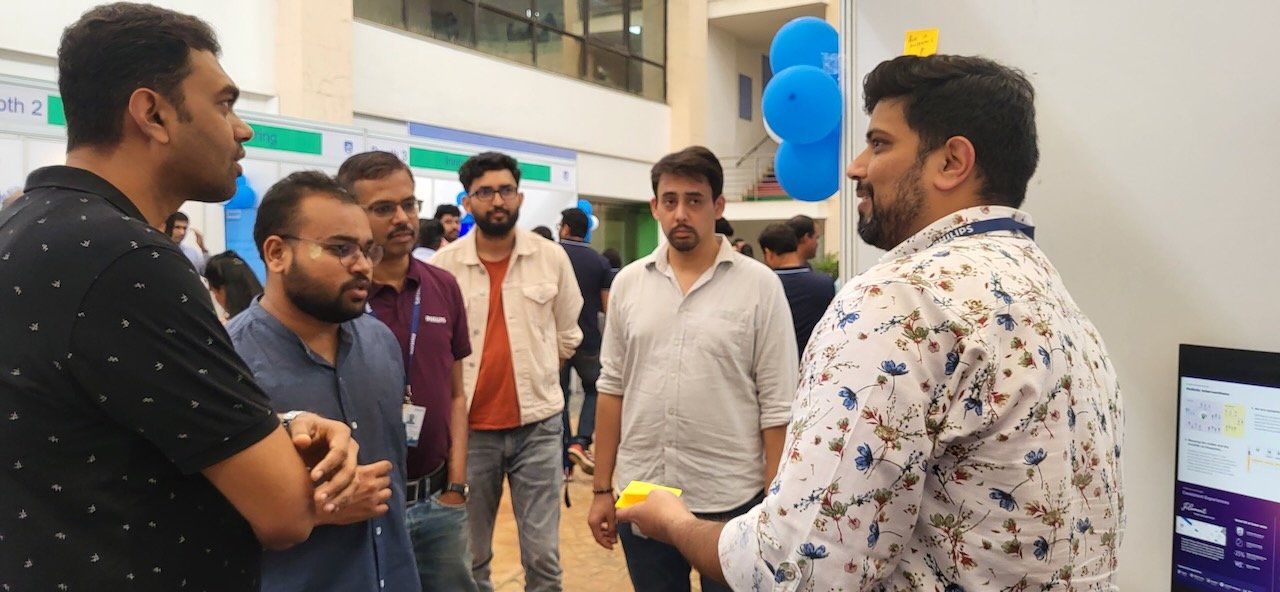
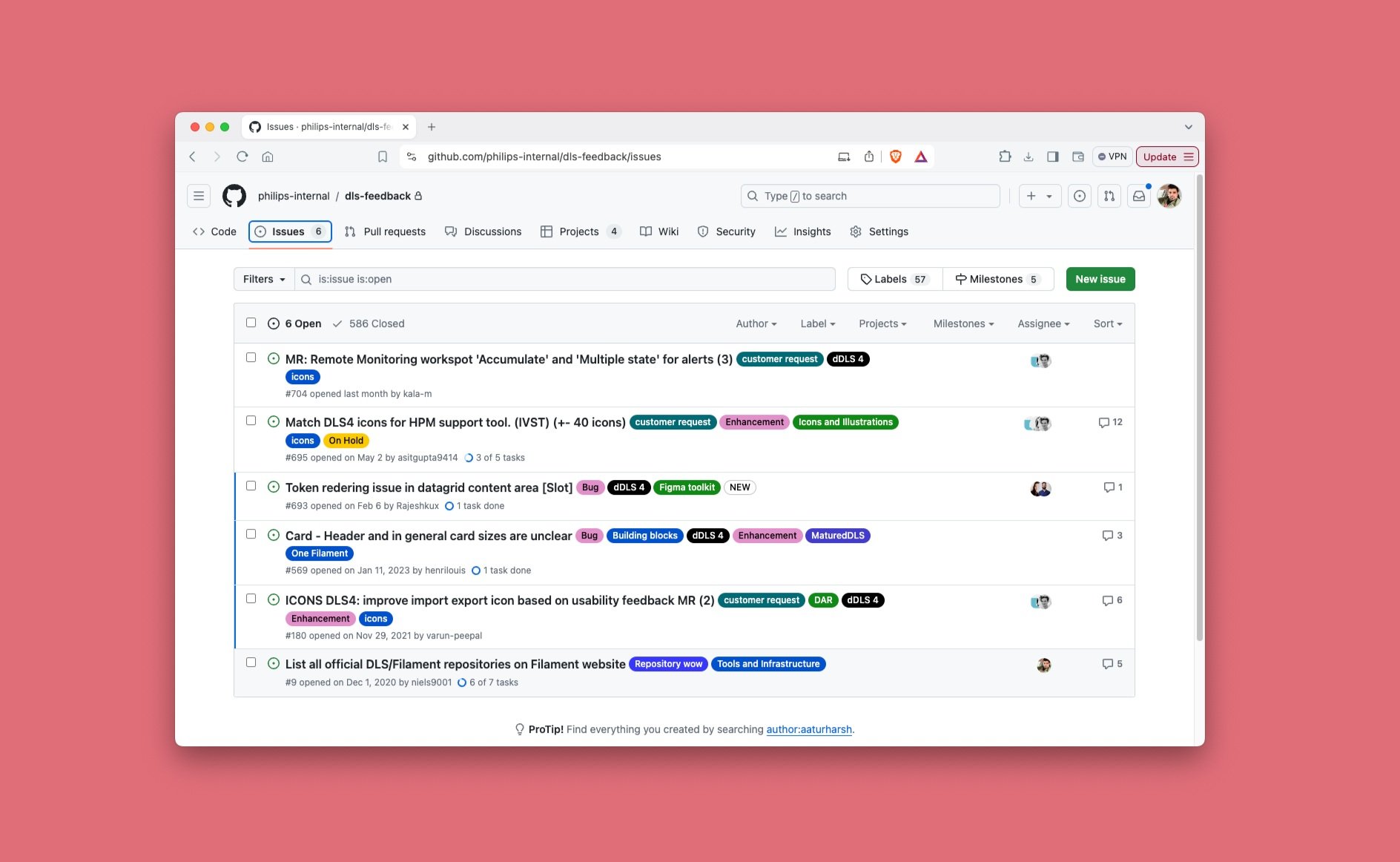
Enabled Businesses through various mediums like Trainings & CCB
Philips vision is to redefine fragmented experiences and create a cohesive One Philips experience while scaling design and development processes. This initiative encompasses a harmonized design language, including comprehensive guidelines, assets, tools, and standardized workflows. By ensuring interoperability and maintaining consistent design standards and quality across the health continuum, we guarantee that all Philips solutions work seamlessly together, delivering a unified and exceptional user experience.
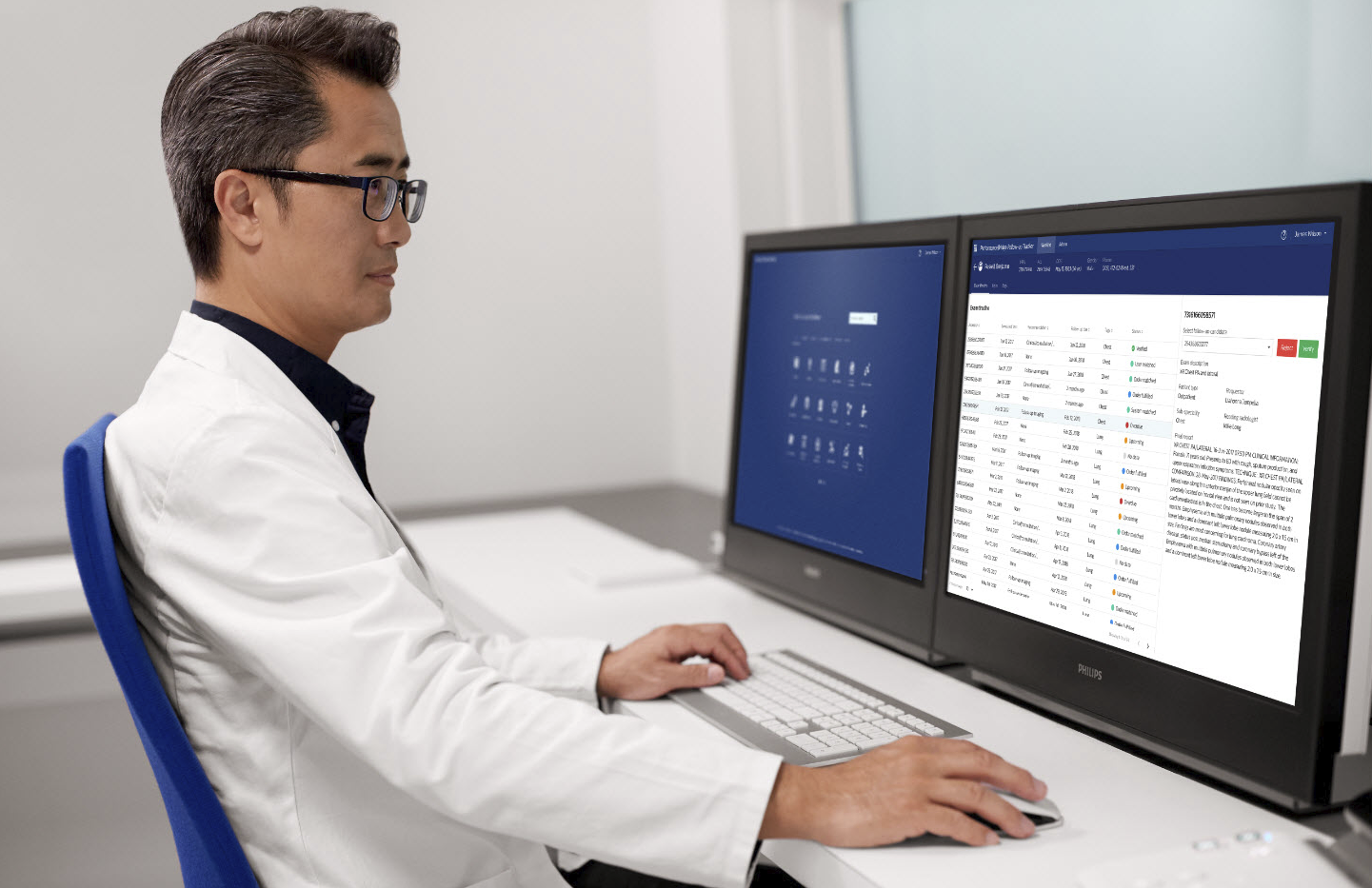
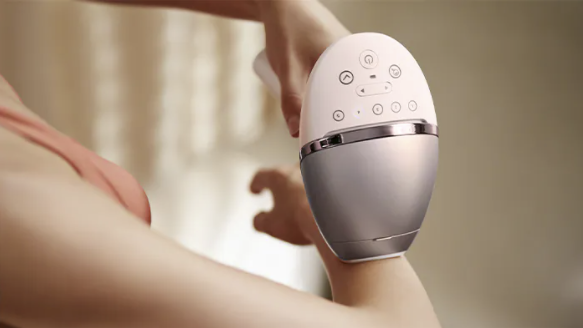
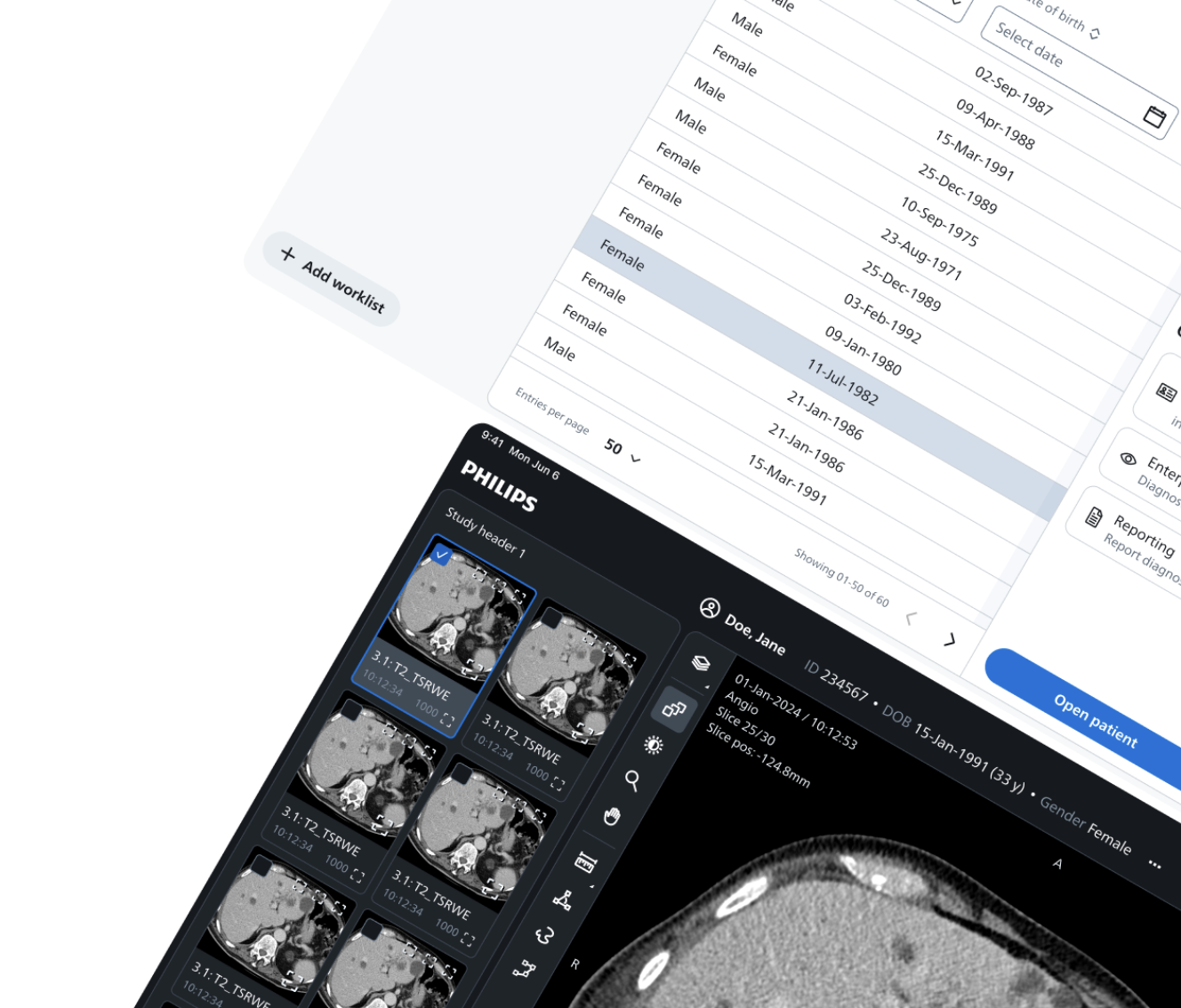
Performance Bridge moved from a point app-based solution to an integrated platform experience.
“New experience that not only looks and feels genuinely integrated with other Philips products, but also improves usability and efficiency for our clinical user.”
- Mark Daly, Head of Product Marketing, Radiology Solutions
Personal health business applications moved from a fragmented to ‘one’ consistent experience across web + apps, co-created with business
“We can save 20-30% effort in UI/UX development using the DLS toolkits.”
- Sunil Kumar, Software Technologist, Grooming & Beauty